
BlogComparisons
Builder.io alternatives for teams with their own components
Puck, Plasmic, Storyblok, Prismic, Payload and glokki compared for teams with their own React components, plus when staying on Builder.io is the right call.
glokki team6 min read
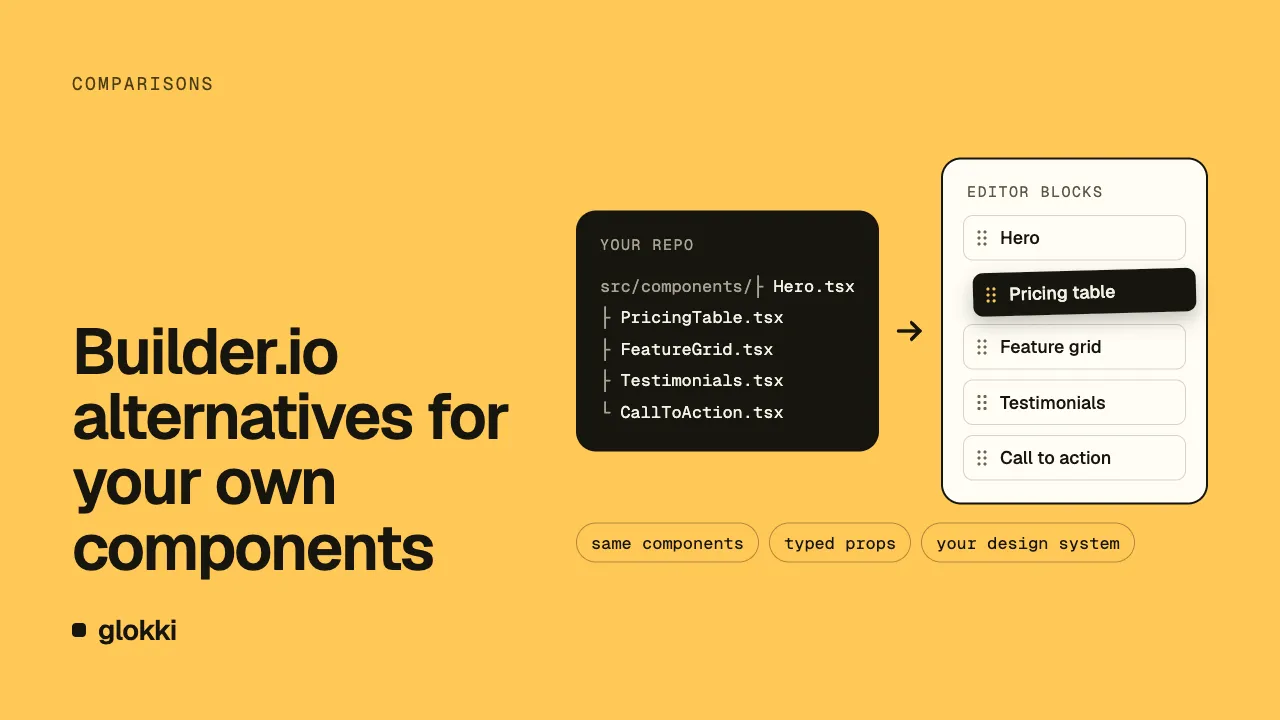
Pick Puck if you want an MIT-licensed editor and your own backend. Pick Payload if you want a self-hosted CMS inside your Next.js app. Plasmic, Storyblok and Prismic fit teams that want published paid plans. glokki fits teams on Next.js or React that can accept a beta. If Builder.io already works for your team and your components, stay on it.
We build glokki, so read this list with that in mind. We checked the competitor data on 1 November 2026. We didn't run any of the other six options for this comparison, so that data comes from their official sites and docs.
How the options compare
Each option here either connects to components in your code or lives inside your app. The last column names where each competitor beats glokki.
| Option | Your components | Hosting | License | Price model | Beats glokki on |
|---|---|---|---|---|---|
| Puck | Render functions, plus fields mapped to your props | Output stored and served from your own backend | Core editor under MIT | Editor has no listed price. Puck Cloud (AI Copilot and API): metered, $199 /month, $799 /month or custom | Core editor under MIT, data in your own backend |
| Plasmic | registerComponent, plus an app host with <PlasmicHost/> | Plasmic hosting or third-party servers | MIT outside platform/, AGPL in platform/ | Free $0. Billed yearly: Starter $39, Pro $103, Scale $399 /month. Enterprise is custom | Offers its own hosting or third-party servers, published paid plans |
| Storyblok | storyblokEditable() marks components as editable | Self-hosting not confirmed | Not confirmed | Starter is free. Growth $99.00 /mo or $90.75 /mo billed annually. Growth Plus $349.00 /mo or $319.91 /mo billed annually. Premium and Elite have custom pricing | SDKs beyond React, published paid plans, uptime SLA |
| Prismic | Slices: model and component files in your site's code | Content stays with Prismic, with its API behind a CDN | Not stated on its home or pricing page | Per repository, paid annually: Free $0, Starter $10, Small $25, Medium $150, Platinum $675 /month. Enterprise is custom | Published paid plans, components for Next.js, Nuxt and SvelteKit |
| Payload | Documented custom components extend the Admin Panel. Blocks Field stores page blocks. Live Preview shows your frontend | Self-hosted on anything that runs Node.js, or with Payload on Enterprise | MIT | Self-hosted is free. Enterprise has no published amount | Self-hosting, MIT, installs in your Next.js app |
| Builder.io | Builder.registerComponent(), then drag and drop in the Visual Editor | Self-hosting the platform not confirmed | SDK repo under MIT, platform license not confirmed | Visual CMS: Enterprise with Contact sales, no published amount | SDK packages beyond React |
| glokki | React components with defineBlock() and a Zod schema | Hosted CMS, and you host your site | Closed code, starter repo under MIT | Free plan, free during the beta. No paid plan to buy | n/a |
Puck
Puck is an open-source visual editor for React. You give it render functions and configure fields that map to your props. Its docs also describe opt-in support for React Server Components.
You store and serve the output from your own backend. The paid Puck Cloud plans cover AI Copilot and API use, not the editor. Launch is $199 a month and Growth is $799 a month.
Pick it if you want a React editor under an MIT license and already have a backend for its output.
Plasmic
Plasmic registers code components through registerComponent. It needs an app host with <PlasmicHost/> at /plasmic-host. You can use Plasmic hosting or deploy to third-party servers. Free projects hosted by Plasmic carry a Plasmic badge.
The repo has two licenses: MIT outside platform/, AGPL in platform/. Billed yearly, Starter is $39, Pro is $103 and Scale is $399 a month.
Pick it if you want visual page building on registered components, a choice of hosting and a plan with a published price.
Storyblok
Storyblok shows your site in its Visual Editor, and storyblokEditable() from @storyblok/react returns the HTML attributes for editing. @storyblok/schema lets you write schemas in TypeScript and apply them to a space with storyblok schema push.
Its docs list SDKs for React, Astro, Nuxt, Vue, Svelte and Angular. Growth costs $99.00 a month, or $90.75 a month billed annually. Its uptime service level agreement (SLA) is 97% on Growth and Growth Plus, 99.9% on Premium and 99.99% on Elite.
Pick it if your sites use more than React, or you need an uptime SLA and paid plans you can budget for today.
Prismic
Prismic builds pages from slices. A slice's model and component files live in your site's code, and the Prismic CLI generates a basic component for each slice. Prismic has display components for Next.js, Nuxt and SvelteKit.
Slice Machine is deprecated. It's replaced by the Type Builder and the Prismic CLI. Existing projects still work, but new projects must use the Type Builder. Plans are per repository and paid annually, from Free at $0 and Starter at $10 a month up to Platinum at $675 a month.
Pick it if you're happy to shape pages as slices, your stack includes Nuxt or SvelteKit, and you want a low published entry price.
Payload
Payload installs in a new or existing Next.js app, and you write a Payload Config in code. It's MIT licensed, and the self-hosted option is free. You need Node.js 20.9.0 or later and a MongoDB, Postgres or SQLite database.
Payload's Blocks Field stores an array of blocks, each with its own schema, and the docs give a page builder as an example. That docs page doesn't cover rendering blocks on your frontend. The custom components in its docs extend the Admin Panel. Live Preview shows your frontend in an iframe inside that panel. Enterprise lists "visual editing" with no published amount, and we couldn't tell if that's the same thing as Live Preview.
Pick it if you want the CMS and your data in your own Next.js app, and you can run the infrastructure yourself.
Staying on Builder.io
Builder.io lets you register components with Builder.registerComponent(), and editors then drag them into a work area. Its SDK packages cover Qwik, React, Vue, Svelte, Solid, React Native and Angular. The SDK repo is under MIT.
Its docs state this limit: "Builder does not currently support registering React Server Components (RSCs) as custom components." The same docs say you can achieve server-side rendering using client components.
The Visual CMS pricing tab shows only Enterprise, with Contact sales and no amount. The amounts on the Code (Visual IDE) tab aren't the CMS price, so ask sales for a quote.
Pick it if your components are already registered, client components suit your pages, and your team likes working in that editor.
glokki
In glokki, a block is a React component declared with defineBlock() and a Zod schema, and the props panel comes from that schema. When the visual editor opens your site, the site sends its blocks to the CMS in a handshake, so there's no push step.
Your site runs in an iframe with overlays for selecting and dragging blocks. You edit a block's content in the props panel.
To use your existing components, you declare each one as a block. Block fields have to be flat. A nested z.object() prop such as cta: { label, href } isn't supported, so you split it into top-level fields. You can use arrays of objects.
Agents can create and publish pages through a Model Context Protocol (MCP) server, using a scoped API key. In this block loop, they still need a person for one step. Until someone opens the visual editor once, publishing returns REGISTRY_NOT_SYNCED, and someone has to open it again after you deploy a new block or field.
The Free plan is free during the beta and covers full editing and publishing. Signing up doesn't need a card.
Pick it if you're on Next.js or React, want schemas in code with no push step, and can accept a beta.
When glokki isn't the right choice
- Your site isn't on Next.js or React. Our docs and SDK cover only those two.
- You want to host the editor yourself. The CMS is hosted, and you can't run the editor on your own servers.
- You need access to the source code. Our code is closed and will stay closed.
- You want an importer. There's no automated importer, so you move content yourself.
- You need a long track record. glokki is in beta.
- You need A/B testing. It's only on the Enterprise plan; a new organization doesn't get it.
- You need AI features. They're Pro and above, and the product has no billing, so you can't buy Pro yourself today.
- You need async or
server-onlyblocks. Our docs don't describe them, so we don't promise they work.
Where to go next
If you're still comparing CMSs in general, read which headless CMS fits a Next.js team.
To test glokki on one page of your own site, create an account.