
BlogGuides
What is a visual headless CMS?
A headless CMS where editors work on a preview of the real site. What that means, the three ways it's built and what to check before you choose one.
glokki team3 min read
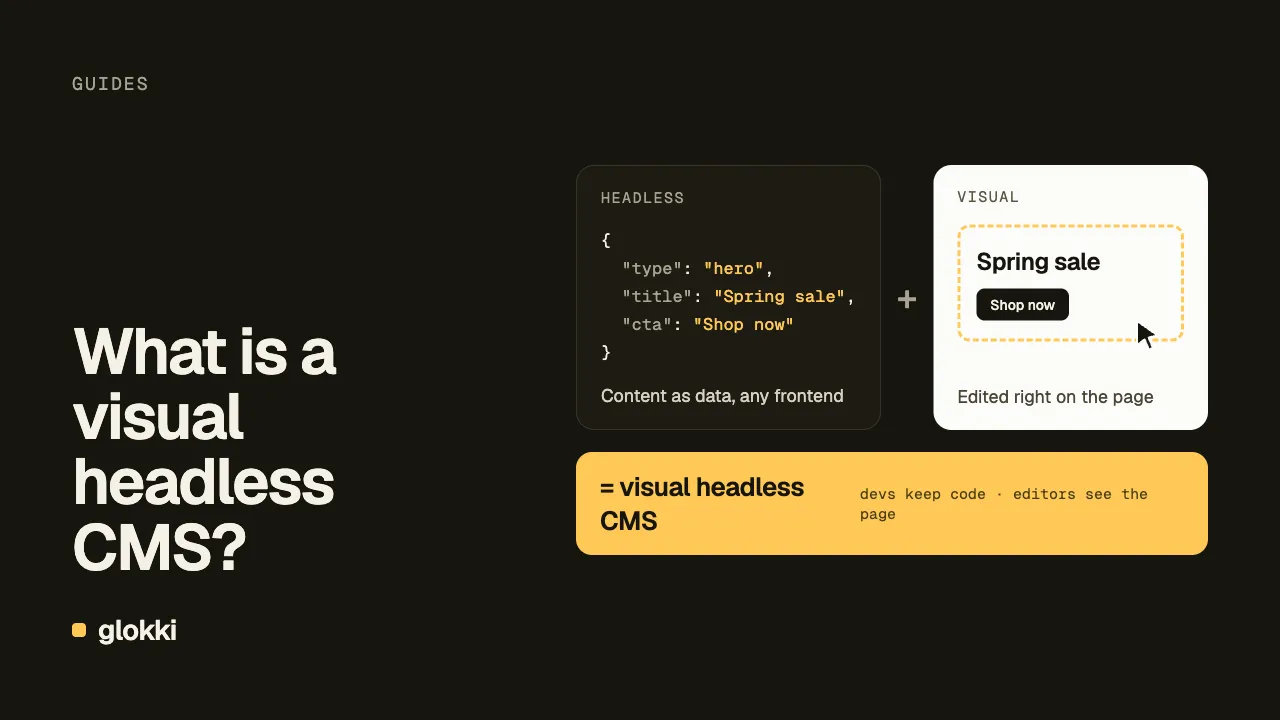
A visual headless CMS keeps content separate from your frontend, like any headless CMS, but lets editors change that content while looking at the page it appears on. Developers keep their own code and hosting. Editors see the result while they work, so they don't have to guess what it will look like.
The problem it solves
A traditional CMS such as WordPress owns the frontend, so editing and rendering live in one system. A headless CMS splits them. Content comes from an API, and your Next.js or Astro app renders it. Developers gain control over code and performance, but editors lose the page. They see a form with fields called hero_title, and they have to publish or open a separate preview to see the result.
A visual headless CMS tries to give editors the page back without taking the code away from developers.
Three ways to build it
These are the main approaches. Products differ in the details, and some combine them.
A form next to a preview. Editors type in a form, and your site updates in a pane beside it. It's the simplest to set up, but editors still have to work out which field controls which part of the page.
Click-to-edit on the real site. Your site runs inside the CMS, usually in an iframe, and elements become clickable. What editors see is what your code renders, including your CSS and data. The cost is integration work in your app, since it has to talk to the visual editor.
A drag-and-drop canvas. Editors arrange registered components freely. This gives them the most freedom, and it moves layout decisions from code to editors. That suits teams who want editors to control layout. It doesn't suit teams who need every page to follow one design.
What it usually costs you
- Integration code. Your app has to load draft content and communicate with the visual editor.
- A preview mode that doesn't hurt production. Your app must never cache draft content for the public or serve it to them. Editing features shouldn't slow down public pages either.
- Modeling discipline. Editors can only change what your components expose. If blocks have too few props, editors ask developers for every change. If they have too many, pages drift away from your design.
What to check before choosing
- Is it your real site? Mock data in a simulator won't show the bugs your real data causes.
- Where do schemas live? In code, they go through review with the component. In the CMS, they can drift apart from it.
- Do public pages stay static? Ask how the visual editor is separated from what visitors get. Then load a public page and check how its response is cached.
- Can your components stay server components? Ask whether registered components have to be client components, on published pages and in edit mode.
- Can agents use it? If the visual editor is the only way in, an agent can't help. Look for an API or Model Context Protocol (MCP) server that respects the same schemas.
How glokki does it
We build glokki, so weigh this checklist with that in mind. We use click-to-edit on your real site, where editors select a block on an overlay and change its content in the props panel. Blocks are React components with a Zod schema, and that props panel is generated from it. When the visual editor opens your site in an iframe, your site sends its blocks over a postMessage handshake, so there's no push command. After you deploy a new block, someone has to open the visual editor once before agents can use it.
On glokki.com, a proxy sends editing requests to a separate dynamic route, so public pages stay static with Incremental Static Regeneration (ISR). Our starter renders every request on demand and caches CMS reads by tag, so you set up that split yourself. There's more in how visual editing works.
glokki has limits. It only works with Next.js and React today, it's in beta, and the visual editor can't be self-hosted. In edit mode, the block registry loads from a client module, while our starter renders published pages on the server with CMSPage. Our docs don't cover async or server-only blocks, and the starter doesn't use them, so test them before you rely on them. If you're comparing products, start with the best headless CMS for Next.js.
Accounts are free during the beta, so you can try glokki on your own site.