
BlogGuides
How we added a blog to our Next.js site with glokki collections
One collection, two blocks and an RSS route. How the glokki.com blog is built, what we reused from the docs section, and the two limits we hit.
glokki team3 min read
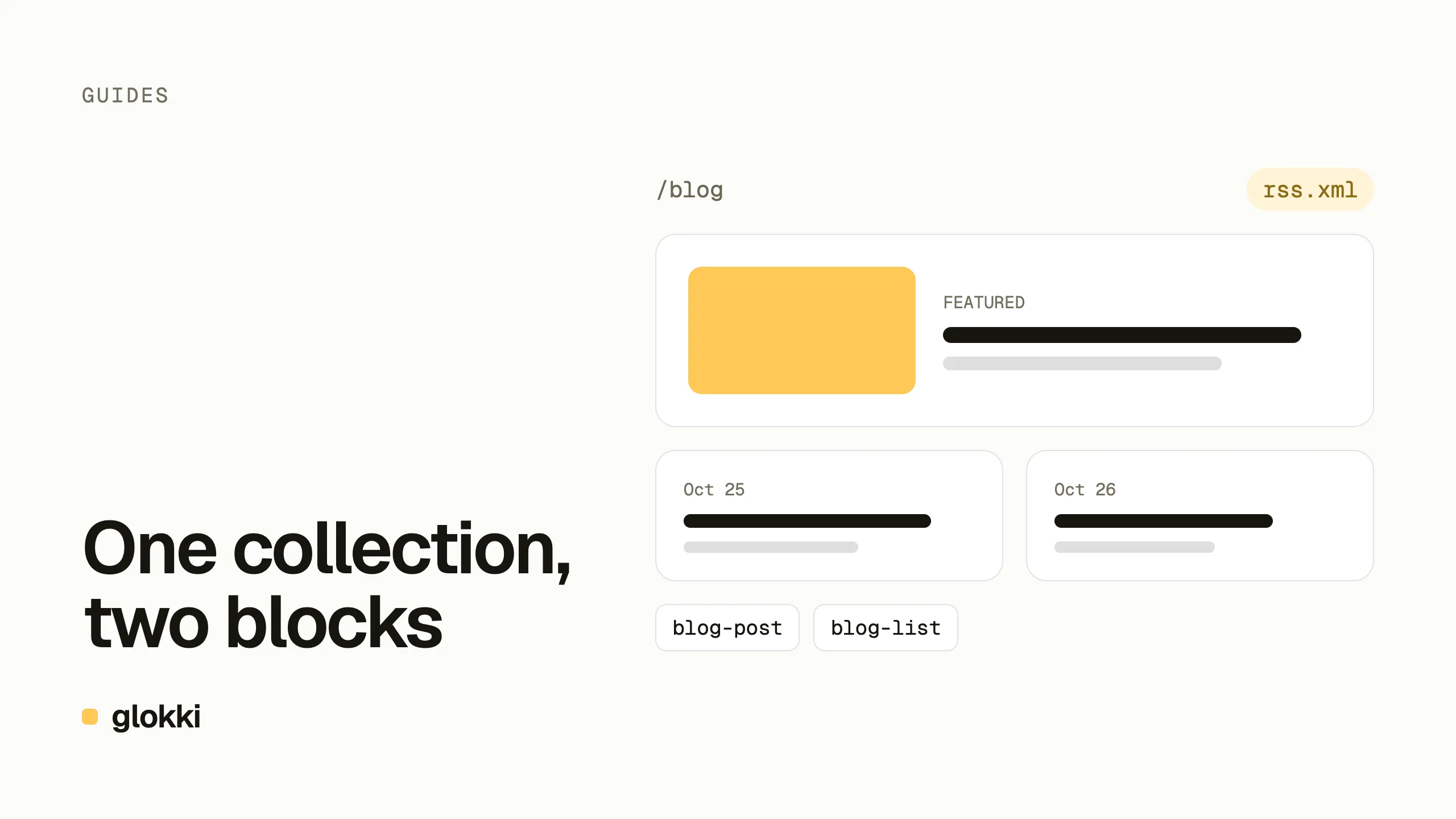
The blog you are reading was added to glokki.com in an evening. It is not a separate app or a Markdown folder in the repo: posts are entries of a glokki collection, rendered by two blocks, edited in the same visual editor as the rest of the site. This post walks through how it fits together.
A collection is the data model
A collection in glokki is a set of pages that share fields and a URL prefix.
The docs on this site are one (/docs), the blog is another (/blog). We
created it over MCP with one call:
| Field | Type | Used for |
|---|---|---|
content | textarea | Markdown body |
summary | textarea | lead under the title, card text, RSS description |
category | select | Engineering, AI & agents, Product, Guides, Comparisons |
cover | image | card and header image |
author | text | byline |
featured | boolean | the large card at the top of /blog |
updated | date | "Updated" line on revised posts |
The post date and topics are not fields: every entry already has
publishedAt and tags.
Because every post is a page, the things the site already does for pages
apply to posts with no extra routes: ISR, preview links, the visual editor,
/sitemap.xml, and a Markdown version of every page for agents
(/blog/<slug>.md).
Block one: the post
blog-post renders a single entry. Its props are not typed in by an editor;
they are bound to the page and to the collection fields:
const blogPostSchema = z.object({
  title: pageField("title"),
  slug: pageField("slug"),
  publishedAt: pageField("publishedAt"),
  summary: collectionField("summary"),
  content: collectionField("content"),
  category: collectionField("category"),
  cover: collectionField("cover"),
  author: collectionField("author"),
  showCover: z.boolean().default(true),
})
The component draws the byline (author, date, reading time computed from the
body), the cover, the Markdown body with the same renderer and outline rail
as the docs, and a BlogPosting JSON-LD script. The block also declares how
it renders to Markdown, so the agent-facing version of a post is the title,
byline, summary and body, without the page chrome.
Block two: the list
blog-list shows posts newest first, in two variants:
gridfor/blog: a featured card, then a card grid, with category filters.compactfor under a post ("More from the blog") or the home page: date and title, three rows.
Lists are the part that is easy to get slow. A naive block fetches entries in the browser after hydration, and fetches every field, including every post's full body. We had already solved this for the docs sidebar, so the blog reuses the pattern:
- Before rendering, the page walks its block tree and collects one query per
blog-listit finds. - The server fetches those entries (
sortBy: "published_at", newest first) and trims them to the fields a card shows — nevercontent. - A context provider hands them to the blocks, so the list is in the HTML.
Inside the visual editor the page renders client-side, so the block falls back to fetching through a small same-origin proxy, with the same trimming.
RSS in one route
/blog/rss.xml is a plain Next.js route handler: list the latest 30
entries, map them to <item>s, return application/rss+xml. The only
detail worth knowing is routing. The site serves every CMS page from one
catch-all route, and a static segment under app/blog/ only claims
/blog/rss.xml, so /blog and the posts still go through the catch-all.
Blog pages advertise the feed with <link rel="alternate">, and only pages
that exist: our first version also put it on the 404 page under /blog.
Publishing a post refreshes the index
Pages are cached with ISR and purged by a signed webhook when something is
published. The webhook purges the path that changed — which is the post, not
the /blog index that lists it. One line fixes that: when the published
slug starts with /blog/, purge /blog too.
Writing posts
Posts can be written in the editor, but ours start as Markdown files in the repo, with front matter for the fields. A script imports them over the MCP server: it matches entries by slug, creates missing ones as drafts, fills in the fields and seeds the three blocks a post uses. Nothing is published until someone publishes it.
Two limits we hit
- Tags can't be set over MCP yet.
create_pagetakes collection fields but not tags, so the import script prints them and we add them in the editor. - A post page doesn't know its own tags. Tags come back on list entries, not on the delivered page, so the post shows its category but not its topics.
Both are on our list for the CMS. Neither stopped us from shipping.
Build your own
Everything here uses the public SDK: collections, defineBlock() with
pageField() / collectionField() bindings, and the delivery API. The
block development guide covers bindings, and the
integration guide covers the catch-all route, ISR and
the revalidation webhook.
Create a free account and add a blog to your own site.