
BlogEngineering
We rebuilt glokki.com with an AI agent and our own CMS
Two weeks, 31 commits, one agent. What worked when Claude Code built our site through the glokki MCP server, what broke, and the 18 documentation gaps we found on the way.
glokki team4 min read
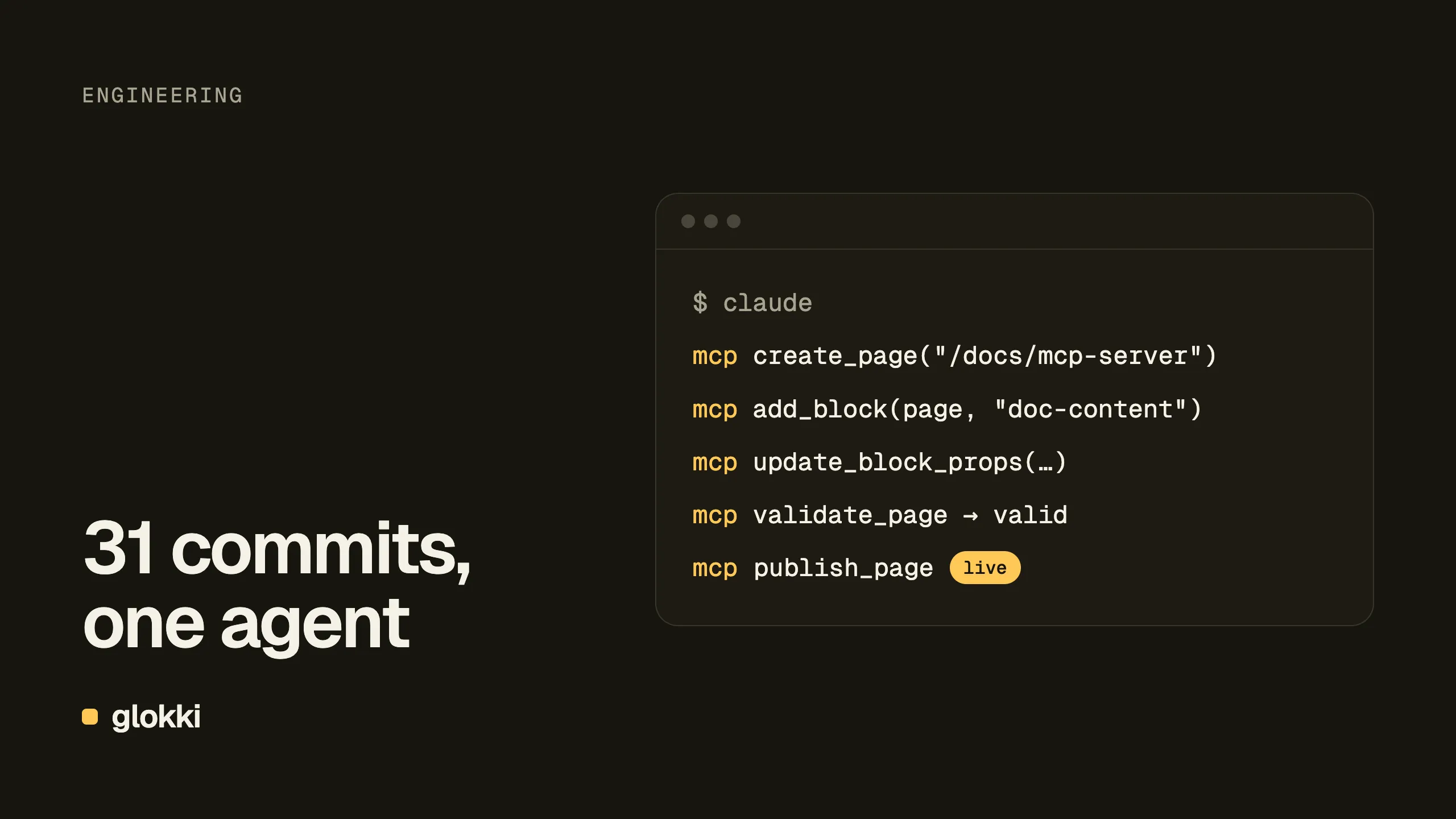
In October we rebuilt glokki.com: the home page, a contact page, a
request-access flow and a /docs section with 15 guides. We did not write
most of it by hand. An AI agent (Claude Code) wrote the code in the repo and
built the pages inside glokki itself, through the glokki MCP server: adding
blocks, filling in props, publishing pages and editing the navigation.
Every one of the 31 commits between 8 and 21 October is co-authored by the agent. This post is what that looked like, including the parts that did not work.
The setup
glokki.com is an ordinary glokki tenant: a Next.js app that renders pages from the delivery API. There are two kinds of work on a site like this, and the agent did both:
- Code, in the repo. Blocks are React components with a Zod schema,
declared with
defineBlock(). The agent wrote the hero, the bento grid, the FAQ, the docs shell, sidebar and article blocks, and the plumbing around them: ISR, the revalidation webhook, the asset and OG-image proxies,sitemap.xml,robots.txt. - Content, in the CMS. Once a block is deployed, it shows up in the
editor, and the MCP server lets an agent use it the same way an editor
would:
create_page,add_block,update_block_props,publish_page,add_nav_item,set_layout_field.
agent ──► repo:  defineBlock({ type: "hero", propsSchema, component })
      ──► deploy
      ──► MCP:   add_block(page, "hero") → update_block_props → publish_page
That split matters. The agent never edits content by writing JSON into a file, and nobody has to click through the editor to try out a block the agent just wrote. A marketer can open the same page later and change a headline in the visual editor without knowing an agent built it.
What worked
Docs from Markdown, in one script. Our guides live as Markdown. The
agent wrote scripts/import-docs.ts, which talks to the MCP server
directly: it matches entries by slug, creates missing ones as drafts,
fills in category and order, seeds the block tree and publishes. It is
idempotent and retries on rate limits, so we re-run it whenever the guides
change.
Agent-readable output. Since an agent was building the site, it made
sense to make the site readable by agents too. Every page is also served as
Markdown (/docs/mcp-server.md, or Accept: text/markdown), and
/llms.txt and /llms-full.txt list the whole site. Each block declares
how it renders to Markdown, next to its React component, so the two never
drift apart.
Performance work with numbers. Public pages moved to ISR and the docs sidebar is now rendered on the server, trimmed to the fields it shows: about 3 KB for the whole list of guides, against about 420 KB with every guide's full text (measured on 25 October).
Accessibility as a pass/fail check. The agent ran axe on every page and fixed what it found until the whole site came back clean for WCAG 2.2 AA. With an agent, "make it pass" is a better instruction than "make it accessible".
What broke
Building your own site on your own product is the fastest way to find out what your docs leave out. We kept a list as we went and ended up with 18 gaps in the glokki documentation and SDK. A few that mattered:
- Production silently set to
noindex.cmsMetadata()addsnoindex, nofollowunlessAPP_ENV=production, and the docs did not mentionAPP_ENVanywhere. Following the guide to the letter would keep a site out of Google without any warning. - Images never cached on Vercel. The CMS sends
Cache-Control: public, max-age=31536000, immutable, but Vercel's CDN does not cache function responses withouts-maxageorCDN-Cache-Control, so every image request ran a function. Fixed in@glokki-cms/sdk0.17: the proxies addCDN-Cache-Controlthemselves. - A nested field the editor could not set. A
z.object()field in a block schema is serialized as plain text, so the MCP server rejected the object the agent sent and the header's mobile menu could never be configured. Phones had no menu until we flattened the schema. - The agent cannot see a new block until a human opens the editor.
The MCP server works from a schema snapshot that refreshes when the
editor is opened. After every deploy that adds a block,
add_blockrejects it until someone opens the editor once. This was the only step in the loop that needed a person.
Smaller ones: update_block_props cannot delete a prop, only blank it;
header and footer share one draft token, so editing one makes the other
stale; opening a page in the editor flips its status to draft. Each one
cost the agent a failed call and a retry, and cost us a line in the list.
What we would do differently
- Flat block schemas from the start. Arrays of objects work, nested objects do not (yet). Designing blocks around that would have saved a redesign of the header.
- Write the gap list in the open. We kept it in the repo, but most of it belongs in the docs, so the next team does not have to find the same problems.
- Let the agent verify, not just build. The best results came from tasks with a check at the end: typecheck, axe, a request against the live page, a diff of the Markdown output. "Done" with no check meant nothing.
Try it
The MCP server is part of every glokki workspace. Point Claude Code, Cursor or any MCP client at it and an agent can build pages from your own blocks. The setup is in the MCP server guide, and the site you are reading is the reference integration.
Create a free account and try it on your site.