
BlogComparisons
Storyblok alternatives for Next.js teams
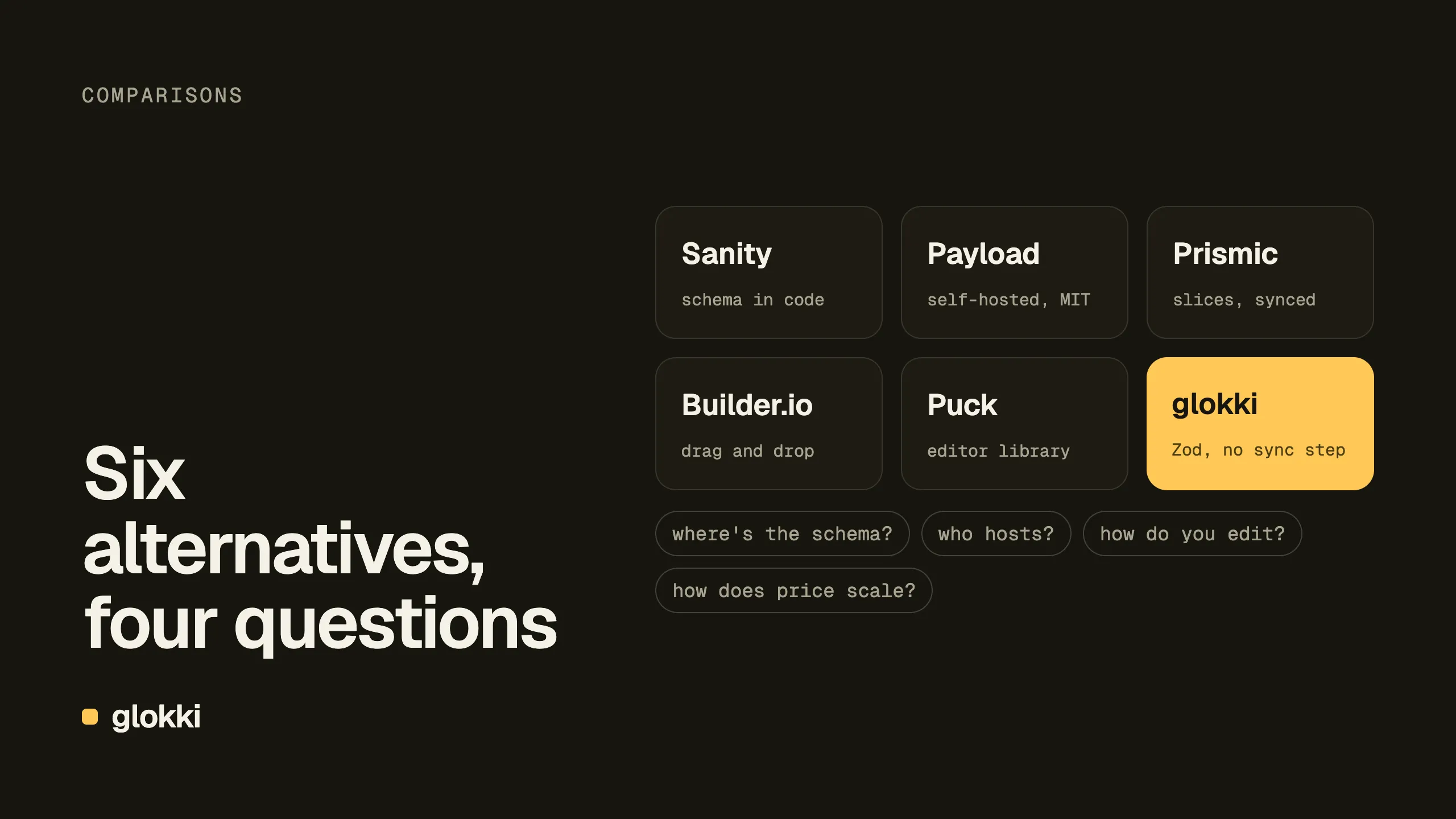
Sanity, Payload, Prismic, Builder.io, Puck and glokki compared on what matters to a Next.js team: where block schemas live, who hosts what, how visual editing works and how pricing scales.
glokki team5 min read
Storyblok is one of the better headless CMSs for teams that want visual editing. Editors build pages from components in a live preview, and developers keep their own frontend. It's mature, it has SDKs for most frameworks, and the free plan is enough to try it properly.
So why look elsewhere? The usual reasons Next.js teams give come down to a few things: the schema lives in the CMS rather than in the repo, pricing grows with seats and spaces, and some teams want open source or self-hosting. This post compares six alternatives on those points.
A disclosure: we build glokki, which is one of them. We've tried to be fair to the others, checked every fact on 26 October 2026, and said where glokki isn't the right pick.
Where Storyblok stands
- Visual editor. Your Next.js site runs in a preview pane. Components
marked with
storyblokEditable()become clickable, and changes appear as the editor types. Previews load draft content with a preview token and need HTTPS, even locally. - Schemas. Block schemas ("components") are defined in the Storyblok
space and mapped to React components in code. In July 2026 Storyblok
announced
@storyblok/schema: define blocks and fields in TypeScript and push them withstoryblok schema push. If code-defined schemas are your main reason to leave, try that first, because migrating a CMS costs more than learning a new CLI. - Pricing (storyblok.com/pricing, as of 26 October 2026):
| Plan | Price | Seats | Notes |
|---|---|---|---|
| Starter | Free | 1 | 100k API requests, 100 GB traffic, 2 locales |
| Growth | $99/month | 5 | extra seats $15 each |
| Growth Plus | $349/month | 15 | 10 locales |
| Premium, Elite | Custom | Custom | SSO, SLA, unlimited spaces |
Prices are per space. For an agency with many client sites, that's the number to multiply.
What to compare
Four questions sort the options faster than feature lists do:
- Where does the schema live? In the CMS UI, in your repo, or both with a sync step?
- Who hosts what? A hosted CMS, a self-hosted one, or a library you wire up yourself?
- How does visual editing work? Click-to-edit on your real site, a form next to a preview, or drag and drop?
- How does the price scale? Per seat, per space, per usage, or not at all?
The alternatives
Sanity
- Schema: in code. Content types are TypeScript in Sanity Studio, which is open source and runs as a React app you configure.
- Hosting: content is stored in Sanity's hosted Content Lake. The Studio can be deployed by Sanity or embedded in your Next.js app.
- Visual editing: the Presentation tool shows your site with
click-to-edit overlays.
next-sanitywires it up with Draft Mode. - Price: the free plan includes 20 seats, 10k documents and visual editing. Growth is $15 per seat per month.
- Pick it if you have structured content beyond pages and developers who like configuring their CMS in code. Page building is something you model rather than something you get ready-made.
Payload
- Schema: in code. Collections and fields are TypeScript config.
- Hosting: you host it. Payload installs into your Next.js app and uses your database. It's open source under MIT. Figma announced it was acquiring the team in June 2025, and the maintainers have said the project stays MIT.
- Visual editing: live preview of your frontend next to the edit form, with page building through a blocks field.
- Price: free to self-host. You pay for your own infrastructure.
- Pick it if you want everything in one repo and one deployment, and you're happy to run the database and the admin yourself.
Prismic
- Schema: in your repo. Slice Machine models "slices" locally, generates their components and syncs the models to Prismic.
- Hosting: hosted.
- Visual editing: a page builder made of slices, with a simulator that renders your components with mock data.
- Pick it if your site is mostly marketing pages assembled from sections, and you like the slice workflow.
Builder.io
- Schema: in code, next to the component. You register React
components with
Builder.registerComponent()and declare an input for each editable prop. - Hosting: hosted.
- Visual editing: drag and drop on a canvas, the closest to a website builder in this list. Registered components must be client components: Builder doesn't support registering React Server Components.
- Pick it if marketers need the most freedom on the page and you accept that layout decisions move out of code.
Puck
- Schema: in code. A config object lists your components and their fields.
- Hosting: none. Puck is an open-source (MIT) React editor component. You store the page data wherever you like.
- Visual editing: drag and drop, inside your own app.
- Pick it if you want to build your own CMS around a good editor. You write the storage, auth, media library, workflows and publishing yourself.
glokki
- Schema: in code. Blocks are your React components declared with
defineBlock()and a Zod schema, and the editor's props panel is generated from that schema. There is no push step. When the editor opens your site, the site sends its blocks to the CMS. - Hosting: the CMS is hosted, and your site runs wherever you deploy it. The editor isn't self-hostable.
- Visual editing: your real site in an iframe, with click-to-edit and drag handles. Public pages stay static with ISR (how that works).
- Also built in: an MCP server so agents like Claude Code can build and
publish pages, Markdown versions and
llms.txtfor every page, cookieless page analytics, A/B tests and translations. - Price: free during the beta. Paid plans will follow.
- Pick it if you're on Next.js or React, want schemas in TypeScript without a sync step, and want agents to work on the site alongside people.
- Skip it for now if you need a long track record, SDKs for other frameworks, or a self-hosted editor. We're in beta, and nested object fields in block schemas aren't supported yet (arrays of objects are).
Side by side
| Schema lives | CMS hosting | Visual editing | Open source | |
|---|---|---|---|---|
| Storyblok | CMS (TypeScript option since July 2026) | Hosted | Click-to-edit preview | No |
| Sanity | Code | Hosted content, Studio anywhere | Click-to-edit (Presentation) | Studio: yes |
| Payload | Code | Self-hosted, in your app | Live preview | Yes (MIT) |
| Prismic | Repo, synced | Hosted | Slice page builder | No |
| Builder.io | Code (registration) | Hosted | Drag and drop canvas | No |
| Puck | Code | You build it | Drag and drop | Yes (MIT) |
| glokki | Code (Zod), no sync step | Hosted, beta | Click-to-edit on your site | No |
How we'd choose
- Happy with Storyblok but want schemas in code: try
@storyblok/schemabefore migrating. - Want one repo and no vendor: Payload.
- Lots of structured content, not just pages: Sanity.
- Marketing site built from sections: Prismic or glokki.
- Marketers want a website builder: Builder.io.
- Building your own product around an editor: Puck.
- Next.js team working with AI agents: glokki. That's the case we built it for.
The integration guide shows what a glokki setup looks like in a Next.js app, so you can judge the code before you sign up.
Create a free account and try it on one page of your site.