
BlogEngineering
Type-safe CMS blocks with defineBlock() and Zod
One Zod schema gives a glokki block its TypeScript props, its editor form, its validation and its Markdown. How that works, what bindings are for, and why every field has to stay flat.
glokki team3 min read
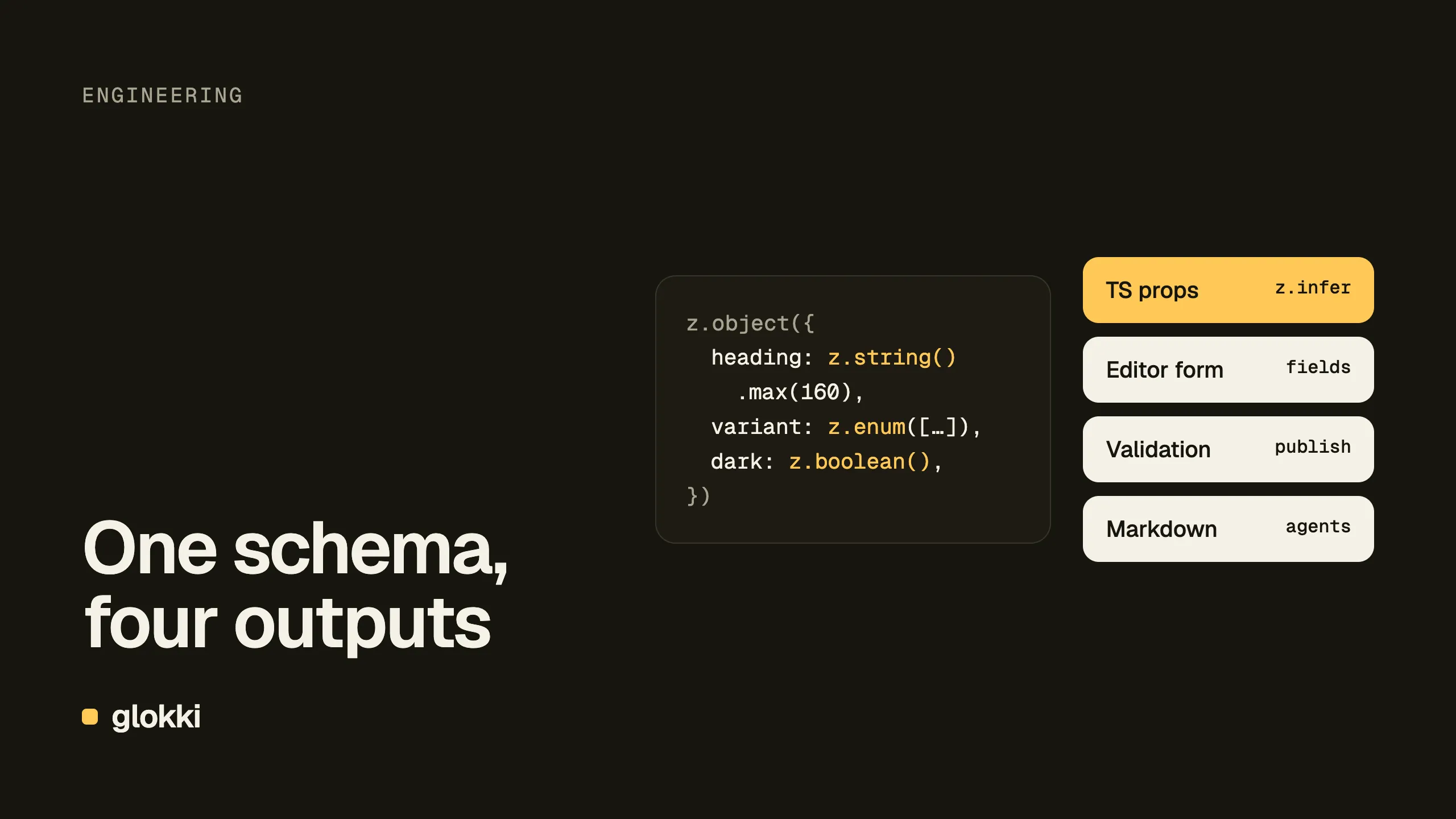
In most headless CMSs, a component's fields are described twice: once in the CMS, as the content model, and once in your code, as props. The two drift, and you find out at runtime.
In glokki there's one description: a Zod schema next to the component. This post shows what that one schema drives, and the rules that keep it working.
A block
Here's a trimmed version of the call-to-action band at the bottom of this page:
import { defineBlock } from "@glokki-cms/sdk"
import { z } from "zod"

const ctaBandSchema = z.object({
  heading: z.string().min(1).max(160).default("Start building today").describe("Heading"),
  ctaLabel: z.string().min(1).max(60).default("Sign up free").describe("CTA Label"),
  ctaUrl: z.string().default("#").describe("CTA URL"),
  subtext: z.string().max(200).optional().describe("Subtext"),
})

export const CtaBandBlock = defineBlock({
  type: "cta-band",
  label: "CTA Band",
  category: "interactive",
  icon: "MousePointerClick",
  propsSchema: ctaBandSchema,
  defaultProps: { heading: "Start building today", ctaLabel: "Sign up free", ctaUrl: "#" },
  component: CtaBandComponent,
})
Add it to the block registry, deploy, and editors can place it on any page. Nothing is configured in the CMS.
What the schema drives
1. Your component's props. z.infer<typeof ctaBandSchema> is the props
type. Rename a field and TypeScript points at every place that used it.
2. The editor's form. The SDK turns the schema into a list of field descriptors and sends it to the CMS when the visual editor opens your site. The props panel is generated from that list:
| Zod | Editor field |
|---|---|
z.string() | text input |
z.string().meta({ fieldType: "textarea" }) | textarea (also richtext, image, color) |
z.number().min(1).max(100) | number input with limits |
z.boolean() | toggle |
z.enum(["grid", "compact"]) | select |
z.array(z.object({ … })) | repeatable list |
.describe() becomes the label, .default() the initial value, and a field
with neither .optional() nor a default is required.
3. Validation, everywhere. Limits such as .min(), .max() and
.regex() are checked in the editor as people type. The server validates
against the same descriptors when a page is published, when
validate_page runs and when an agent writes through the MCP server, so a
person and Claude Code play by the same rules.
4. What agents see. An agent connected over MCP calls
get_block_schema("cta-band") and gets the fields, types, limits and
defaults. It doesn't need to guess what a block accepts.
Fields that fill themselves: bindings
Some props shouldn't be typed by anyone. A blog post's title is the page title, and its body is a field of the blog collection. Bindings declare that in the schema:
import { collectionField, pageField } from "@glokki-cms/sdk"

const blogPostSchema = z.object({
  title: pageField("title"),
  publishedAt: pageField("publishedAt"),
  content: collectionField("content"),
  author: collectionField("author"),
  showCover: z.boolean().default(true).describe("Show cover image"),
})
The editor shows bound fields read-only, and the renderer fills them from the page at render time. There's one source of truth, and nobody can make the heading on the page disagree with the title in the CMS.
Bindings also solved a bug for us. Our "More from the blog" list needs to
know which post you're reading so it can leave it out. Reading the URL in
the browser worked locally and failed on production pages served with ISR.
Binding the page slug, slug: pageField("slug"), made it work everywhere.
One more output: Markdown
Every page on glokki.com is also served as Markdown for AI agents. A block can say how it should read there, next to its component:
markdown: (props, { md }) =>
  [
    md.heading(2, props.heading),
    ...props.items.map(
      (item) => `${md.heading(3, item.question)}\n\n${md.escape(item.answer)}`
    ),
  ].join("\n\n"),
That's our FAQ block: questions become headings, answers become
paragraphs. Without a markdown function a block falls back to its text
fields.
The rule: keep fields flat
This is the part we learned the hard way. The CMS never sees your Zod schema, only the field descriptors built from it, and there's no "object" field type. A nested object therefore arrives as a single text field:
// ❌ Reaches the CMS as one text field; an object value is rejected
cta: z.object({ label: z.string(), href: z.string() }),

// ✅ Flat
ctaLabel: z.string().default("Learn more").describe("CTA label"),
ctaHref: z.string().default("/").describe("CTA link"),
Our header's mobile menu was once configured with a nested object. The editor showed a text box, the MCP server rejected the object our agent sent, and phones had no menu until we flattened the schema.
Wrappers hide types the same way. The serializer looks through
.default(), .optional(), .describe(), .meta() and validation
checks, and nothing else:
| Field | Arrives as |
|---|---|
z.boolean().default(false) | toggle ✅ |
z.boolean().catch(false) | required text field |
z.string().nullable() | required text field, null rejected |
z.array(…).catch([]) | text field, no list editor |
So use .default() for missing data, and handle odd values in the
component, not in the schema. Arrays of objects are fine: that's how FAQ
items and navigation links work.
Catch it in a test
A schema mistake doesn't fail the build. It shows up as a strange field in the editor. A short test on the serialized fields catches it first:
it("serialises to the editor fields we expect", () => {
  const types = Object.fromEntries(
    CtaBandBlock.fields.map((f) => [f.name, f.fieldType])
  )
  expect(types).toMatchObject({ heading: "text", ctaUrl: "text" })
})
A test like that on our header would have saved us a redesign.
After deploying: open the editor once
The CMS keeps a snapshot of your block registry for everything that runs
outside the browser: the publish check, validate_page and the MCP tools.
The snapshot is refreshed when someone opens the visual editor, not when you
deploy. After a deploy that adds a block or changes a field, open any page
in the editor once. Until then, agents get BLOCK_TYPE_NOT_FOUND for the
new block.
Start here
The block development guide covers every field type, slots for container blocks, per-viewport defaults and testing. The visual editing post explains how the schema reaches the editor.
Create a free account and register your first block.