
BlogAI & agents
What is an agent-ready CMS?
Seven things a CMS needs before an AI agent can safely build and publish pages, with how glokki does each and where it still falls short.
glokki team3 min read
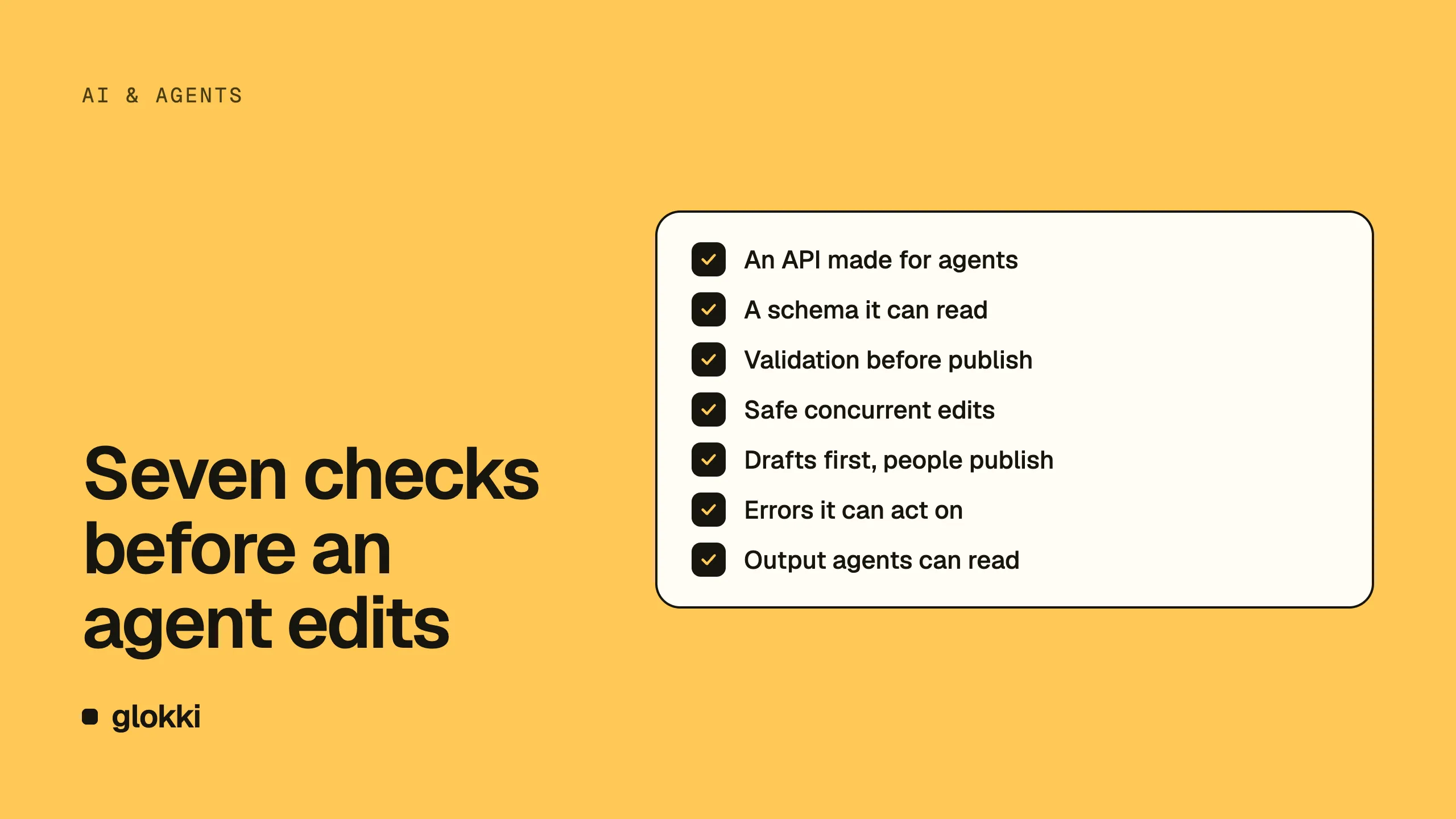
"AI-powered CMS" usually means a button that writes a headline for you. That's useful, but it isn't what we mean by agent-ready. An agent-ready CMS is one an agent such as Claude Code can work in: read the site, understand what blocks exist, build a page, check it and hand it to a person to publish, without anyone copying and pasting.
We built glokki.com that way. These are the seven things that made it possible, and the gaps we still have.
1. An API made for agents
An agent works through tools, so glokki runs an
MCP server with tools like create_page, add_block,
update_block_props, validate_page and publish_page. Any MCP client
can connect with an API key.
Keys are scoped. mcp:connect opens the connection, page reads, writes
and publishing are separate scopes, so you can give an agent a key that
drafts pages but can't put anything live.
2. A schema the agent can read
An agent can't fill in a block it doesn't understand. Blocks in glokki are
your React components with a Zod schema, and the agent sees the same schema
the editor does: list_block_types lists them, get_block_schema returns
every field with its type, limits and default. (More on this in
type-safe blocks.)
3. Validation before anything goes live
Agents make mistakes confidently. Every write is checked against the schema,
and validate_page is a dry run of the publish check: it returns every
problem with a dotted path to the field, so the agent can fix them all
before publishing. The rules are the same whether a person or a model wrote
the content.
4. Safe concurrent edits
An agent and a person will edit the same page eventually. Every write in
glokki needs the page's last updatedAt as expectedUpdatedAt. If someone
saved in between, the write fails with STALE_PAGE, the agent re-reads the
page and tries again. Nobody's work is silently overwritten.
5. Drafts by default, people publish
- New pages are drafts.
- Editing a published page through MCP turns it back into a draft, so a change is never live until someone publishes it.
- Publishing has its own scope and its own rate limit (20 per minute per workspace, 10 per key), separate from ordinary calls, because publishing has side effects: cache purges, webhooks, search indexing.
The Claude Code tutorial shows the loop in practice: the agent builds and validates, you approve the publish.
6. Errors an agent can act on
"Something went wrong" is useless to a program. The glokki MCP server says what happened and what to do:
- a rate limit comes with
Retry-After(orretryAfterSecondsinside a tool result), so the agent waits instead of giving up; RATE_LIMITED(you went too fast) is a different code fromRATE_LIMIT_UNAVAILABLE(the limiter is down), and both mean "retry";- a tool error is an MCP result with
isError: true, not an HTTP failure, so the connection survives it.
7. Output agents can read
Agent-ready works in both directions. Agents also read your published site.
Every page of the glokki starter can be served as Markdown (/about.md, or Accept: text/markdown). On glokki.com, /llms.txt lists the whole site. The SDK does not ship llms.txt, so you write your own. We wrote
about that in
How to make your website discoverable by AI.
Where we still fall short
These are open in glokki today:
- Some settings have no tool yet. Tags, redirects and JSON-LD can't be set over MCP, so a person sets them in the dashboard.
update_seoreplaces, it doesn't merge. Send only a new meta title and the description is wiped. Agents have to send the whole SEO object.- A new block needs one human step. The server learns about new blocks
when someone opens the visual editor after a deploy. Until then, the agent
gets
BLOCK_TYPE_NOT_FOUND. - Props merge one level deep. Changing one FAQ item means sending the whole list back.
We ran into each of these while building this site, and they're on our list. The MCP server guide covers the edit loop, rate limits and registry sync in detail.
To connect your agent to your own site, create a free account.